
Discount Inventory
Overview
Discount Inventory caps how many times a discount can be used — per outlet. Use it to run a limited promotion: "the first 100 redemptions of this 10% discount at our flagship store", after which the discount is no longer available.
It works on any existing discount program — you don't redesign the discount, you just add an inventory record on top of it.
Released: 28 October 2025.
How it works
- Inventory is tracked per outlet — each outlet has its own remaining count, independent of the others.
- Each time the discount is applied at the POS / Kiosk / Online, the remaining count goes down by one.
- When the count hits zero, the discount stops being available at that outlet. Other outlets are unaffected.
- A voided or refunded sale can optionally return the inventory.
Default setup
Bean & Brew example: a one-day "first 100 customers get 10% off" promo at the Main outlet.
- Programs → Discount Inventory → + CREATE (
/discount-inventory). - Fill in:
- Outlet —
Main(the inventory only applies to this outlet). - Control Type —
Program. - Program — pick the discount, e.g.
10% Discount Voucher.
- Outlet —
- Under Inventory Control:
- Control Inventory — on.
- Track Quantity — on.
- Remaining Quantity —
100. - Allow Return Inventory — on (so voided sales add the stock back).
- Save.
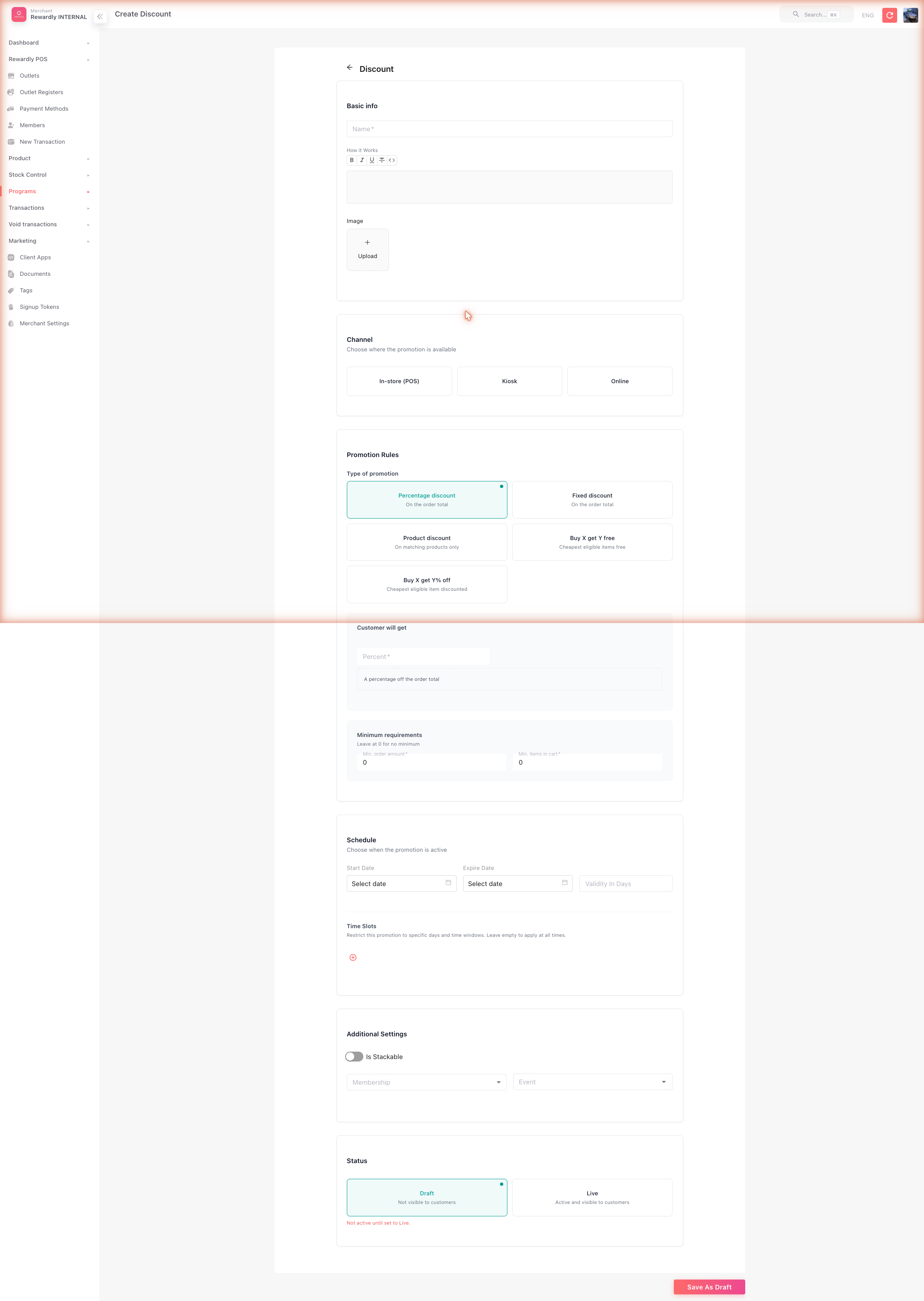
The Discount Inventory list now shows this row with Yes / Yes in the Control and Track columns and the remaining count.
Advanced
Fields
| Field | What it does |
|---|---|
| Outlet | The outlet this inventory record applies to. One outlet per row. |
| Control Type | Currently Program — the inventory tracks a discount program. |
| Program | The discount program whose redemptions are being counted. |
| Control Inventory | Master toggle. Turn off to disable tracking without deleting the row. |
| Track Quantity | Whether the remaining count decreases on each redemption. |
| Remaining Quantity | The current count. Edit it to top up or wind down. |
| Allow Return Inventory | When on, voided / refunded sales add the count back. |
Stopping early
To pause a discount at an outlet without deleting it, edit the row and either turn Control Inventory off, or set the Remaining Quantity to 0.
Multiple outlets
Create one Discount Inventory row per outlet. Outlets with no row continue to use the discount as normal — no cap.
Related
- Discounts — the discount programs being capped.
- Outlet Settings — where each outlet is defined.