
Bottle Keeping
Overview
Bottle keeping — sometimes called bottle parking — is for venues where a customer buys a whole bottle (typically spirits or wine), drinks some, and leaves the rest with you to finish on a later visit.
Rewardly tracks how much of each customer's bottle is left, so your staff always know how much a customer can still pour.
How it works
- A bottle is registered to a customer at the POS when they buy it.
- Each visit, staff pour from the bottle and the remaining amount goes down.
- The admin panel gives you a read-only overview of every customer's bottles — there's nothing to configure.
Using it
There is no setup screen for bottle keeping — bottles are created during a sale on the POS. To review them:
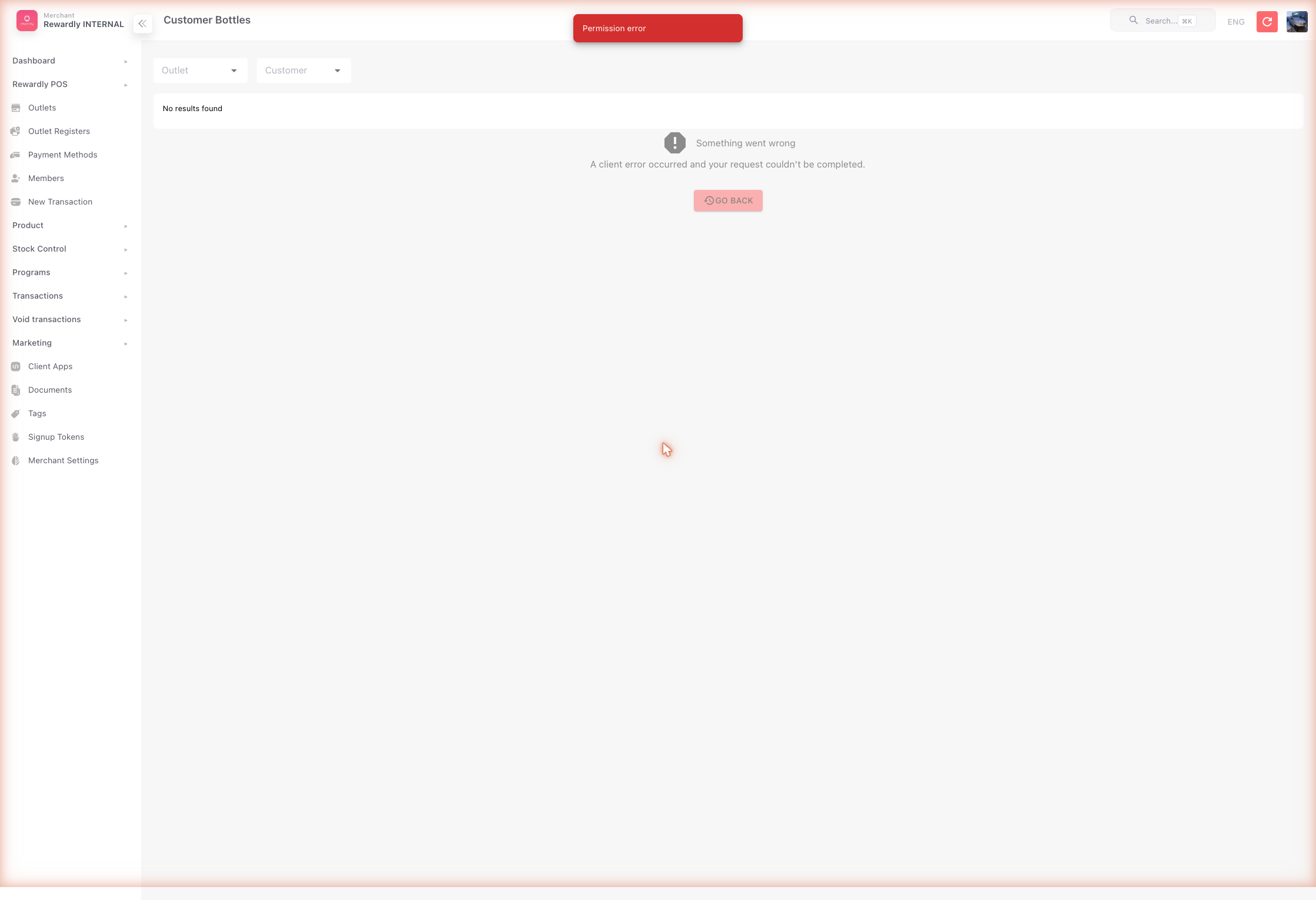
- Open Stock Control → Customer Bottles (
/customer-bottles) in the admin. - The list shows, for each bottle:
- the customer (name, phone, email)
- the outlet holding the bottle
- the product (which bottle)
- total quantity (original) and remaining quantity (left to pour)
- the last active date
You can filter by outlet or customer to audit balances.
At the POS
Bottles are registered and used during a sale on the POS — not from the admin. A customer must be selected first (otherwise the POS shows "Please select a customer first").
Registering a bottle
With a customer attached, the Keep action on a basket line opens the Keep Bottles modal:
| Field | What it does |
|---|---|
| Quantity | How many bottles to keep — n. |
| Note | Optional note saved with the kept bottle (e.g. Macallan 12, half left). |
Kept lines show an amber Bottle Keep: n badge with the note, so staff can see at a glance what's being parked.
Using a kept bottle later
On a return visit, bottle-use items carry a blue Bottle Use badge and enforce a maximum quantity — staff can't pour more than the customer has left. A customer's kept bottles are viewable from the selected-customer card (Bottles) or the Customer Bottles screen.
Swapping a kept bottle for a different product
The Customer Bottles screen isn't only for review — it's where you exchange a parked bottle for a different one. Open it from the selected-customer card (Bottles); the header shows the member's total parked bottles, and each row lists the product, the Remaining / Total count, and when it was last used.
Use Swap when the customer wants a different bottle than the one parked — for example they parked a standard whisky and want to upgrade to a premium one, or they want to switch to a product you actually have in stock. Tap Swap on the bottle's row to open the Select Product to Swap modal, then work through two steps:
- Search — a banner shows what you're swapping from and how many are available (e.g. Swapping from: Macallan 12 (2 available)). Start typing in the search box to find the replacement product in your menu, then tap it to select.
- Confirm — the Confirm Swap screen shows the From and To products with their prices and an editable Quantity (capped at the remaining amount). If the new product costs more or less, a coloured banner shows the Additional Charge or Refund for the difference. Tap Confirm Swap to complete it.
After a successful swap the screen refreshes, and a toast confirms the result — the price difference owed (Additional charge), due back (Refund), or No price difference.
Quantity can't exceed what's left
You can only swap up to the bottle's remaining quantity. Entering more shows Insufficient quantity with the available amount, and nothing is exchanged.
See the same data in admin
The admin Stock Control → Customer Bottles list is read-only — it mirrors what's kept at the POS. For a transaction history of keeps and pours, see the Bottle Parking Report in POS Reports.
Related
- At the Counter — bottles are registered and poured at the POS.
- Selling — the device-side basket flow where Keep lives.
- POS Reports — the Bottle Parking Report.
- StockOS Overview.